50 tips web design to improve instantly your sites
50 web design tips to instantly improve your sites
Creating a website that combines aesthetics, functionality, and performance is a challenge, whether you are a novice or a seasoned professional. However, by applying simple yet powerful principles, you can instantly enhance your web design skills and provide memorable user experiences. This article explores 50 practical tips to transform your web designs, structured around four fundamental pillars: mindset, design, user experience (UX), and technical skills. Let's delve into the details.
Mindset: The Foundation of Good Design
Good design starts with a proactive mindset. Before learning tools or refining your skills, it is crucial to adopt an approach based on curiosity and continuous practice.
1. Learn by Doing
Don't wait to feel "ready." The best way to progress is to create, experiment, and learn from your mistakes. Dive into action today.
2. Analyze and Archive Inspiration
Regularly explore other websites to discover what works. Take screenshots of interesting elements, note the fonts used, and organize these inspirations in a personal library.
3. Collect Your Favorite Fonts
Build a library of fonts sorted by styles (serif, sans serif, script, etc.). Identify those that are free or paid to optimize their use in your future projects.
4. Practice Daily
Regularly practice design exercises, even for 10 to 15 minutes a day. Consistency is the secret to mastery.
Design: The Four Essential Pillars
The success of a website relies on four fundamental elements: layout, colors, typography, and images. These principles define the aesthetics and effectiveness of your site.
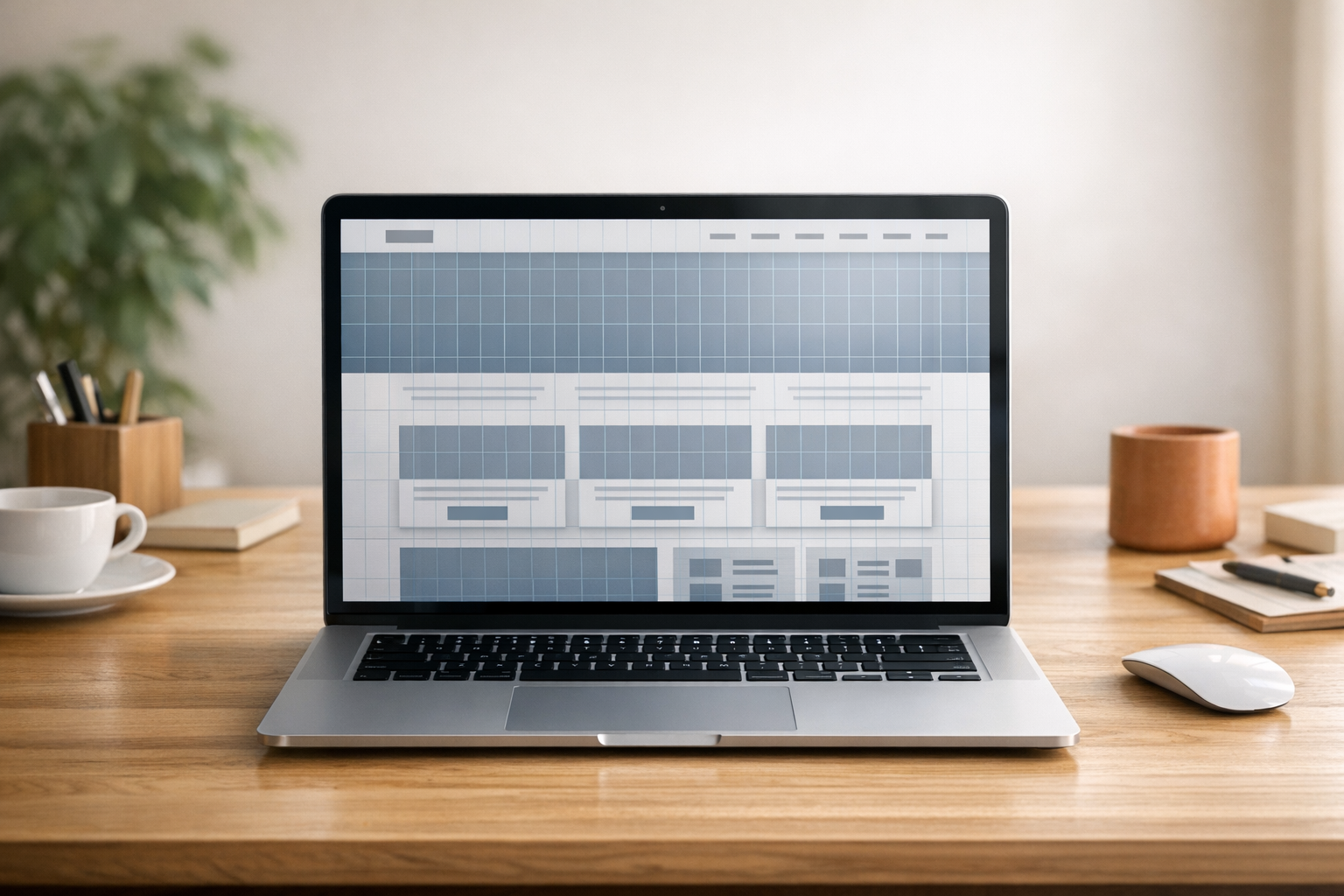
1. Layout and Grids
- Use a 12-column grid system to structure your designs. However, within a given section, stick to 1, 2, or 3 columns to maximize readability.
- Incorporate generous white spaces to allow elements to "breathe."
- Vary section styles (backgrounds, layouts) to maintain visual interest.
2. Colors and Harmonies
- Familiarize yourself with color theory rules:
- Analogous colors (close on the color wheel) for harmony.
- Complementary colors (opposites) for assertive contrast.
- Triadic colors (equidistant) for dynamic balance.
- Apply the 60-30-10 rule: 60% for dominant colors, 30% for secondary colors, and 10% for accents (buttons and calls to action).
3. Typography: Mix with Mastery
- Pair fonts ensuring they complement each other. Tools like Figma can help visualize combinations.
- Respect readability: long texts should prioritize clear fonts.
- Use hierarchical font sizes to guide attention and test ratios like the "golden" ratio (1.618), but do not limit yourself to strict rules: if it looks good, it is good.
4. Images: Quality and Context
- Use images that match your site's palette for a harmonious look.
- Prefer authentic and well-lit photos. If using stock photos, follow photographers or artists on platforms like Pexels.
- Save your images in the WebP format and limit their size to a maximum of 300 KB to improve loading speed.
User Experience (UX): Design for Your Users
UX focuses on how users interact with your site. Here are some essential principles to ensure a smooth and intuitive experience.
1. Design for Users, Not for Yourself
Do not let trends or your portfolio guide your choices. Every decision should be made to optimize visitors' experience.
2. Visual Hierarchy and Scannability
- Adopt clear hierarchical levels (important, medium, detailed) so users can quickly grasp information.
- Test your designs by navigating from bottom to top to spot inconsistencies.
3. Optimize the First Impression
The majority of users do not go beyond the "first section" of a site. Be direct and engaging from the loading stage.
4. Test on Real Devices
Previews are not enough. Check your designs on smartphones, tablets, and popular browsers to identify anomalies.
Technical Skills: Develop High-Performing Sites
To create effective websites, a strong technical foundation is essential. Here are the key skills to master.
1. Simplified Development
- Familiarize yourself with HTML, CSS, and JavaScript to customize your designs.
- Avoid unnecessary third-party plugins that slow down sites.
2. SEO and Structure
- Use HTML tags correctly: one H1 tag per page, H2 tags to structure subsections, and accessibility tags like nav or footer.
- Set up 301 redirects when URLs change to preserve SEO.
3. Accessibility
- Ensure sufficient color contrasts for visually impaired users.
- Ensure keyboard navigation works throughout the site.
- Do not rely solely on color codes for statuses; add descriptive icons or text.
Key Takeaways: What to Remember
- Embrace an active approach: practice, experiment, and learn.
- Master the design fundamentals: layout, colors, typography, images.
- Optimize for your users: think visual hierarchy and accessibility.
- Care for technical details: SEO, speed, and multi-device compatibility.
- Simplify your approach: limit unnecessary tools and plugins.
- Test and iterate: refine your designs after real user tests.
By applying these principles, you will be ready to create memorable, effective, and high-performing websites that meet users' needs while showcasing your design expertise.
Source: "50 Web Design Tips & Tricks to Level Up Instantly" - Self-Made Web Designer, YouTube, May 15, 2025 - https://www.youtube.com/watch?v=rRFD6tENX2U