Core Web Vitals 2025: real impact on your Google ranking
Core Web Vitals 2025: real impact on your Google ranking
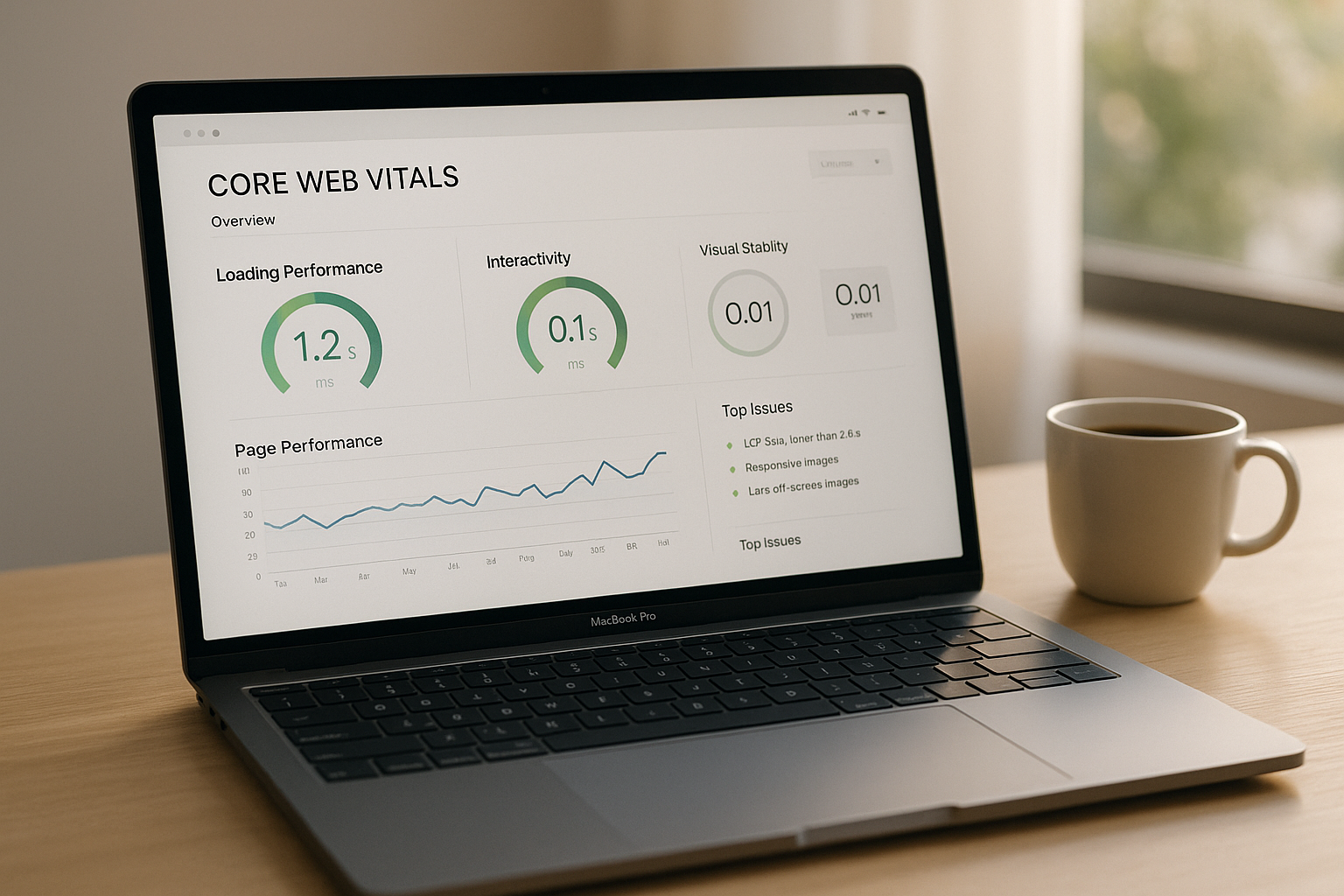
Core Web Vitals are essential today to improve your ranking on Google and offer a . These indicators, which measure loading performance, responsiveness, and visual stability of a site, directly influence your online visibility and conversions. In Switzerland, where digital competition is strong, especially in sectors like finance or luxury, optimizing these metrics has become essential.
In summary, here are the key points:
- Largest Contentful Paint (LCP): Time needed to display the main content. Goal: less than 2.5 seconds.
- Interaction to Next Paint (INP): Overall responsiveness to user interactions. Goal: less than 200 milliseconds.
- Cumulative Layout Shift (CLS): Visual stability to avoid unexpected shifts. Goal: a score below 0.1.
Why is it important?
- Direct impact on SEO: Core Web Vitals are considered by Google to rank sites.
- Conversions and revenue: A one-second delay can reduce conversions by 20%.
- Mobile-first: With 75% of traffic coming from mobile devices, performance on these devices is crucial.
Concrete solutions:
- Optimize images (modern formats, compression).
- Improve server speed (high-performance hosting, CDN).
- Reduce heavy scripts and prioritize visible content.
- Stabilize layout with fixed dimensions for media.
In Switzerland, managing a multilingual site adds an additional complexity. Each language version must be performant and tailored to the needs of local users. Tools like Google Search Console and Lighthouse can help you monitor and improve your performances.
In 2025, optimizing your Core Web Vitals is not an option, but a priority to remain competitive.
Largest Contentful Paint (LCP): Loading Performances
What is LCP and why is it crucial?
LCP (Largest Contentful Paint) measures the time needed to display the largest visible element in a page's viewport. This can be an image, a video, or a significant text block, often located at the top of the page.
Google considers an optimal LCP to be less than 2.5 seconds. Between 2.5 and 4 seconds, improvements are needed, and beyond 4 seconds, the performance is deemed insufficient. This metric is essential because it directly influences visitors' perception of your site. A long LCP can give the impression that the site is slow or unresponsive, which can discourage your users.
Now let's look at the main obstacles to a good LCP.
Common causes of slow LCP
A poor LCP can be caused by several technical issues, including:
- Oversized or poorly compressed images.
- Excessive server response time.
- Third-party scripts slowing down loading.
- Blocking CSS or JS files.
- Lack of resource caching.
Fortunately, solutions exist to address these issues.
How to improve LCP
To optimize LCP, a methodical approach and multiple complementary techniques are necessary:
- Optimize your images: Compress them, convert them to modern formats like WebP or AVIF, and adjust their dimensions for display.
- Enable lazy loading: This technique loads images outside the visible area only when needed.
- Improve your server speed: Opt for high-performance hosting and consider using a CDN (Content Delivery Network) to reduce the distance between your resources and users.
-
Preload critical resources: Use the
<link rel="preload">directive to prioritize loading essential elements, such as the main image or fonts. -
Minify and defer loading of CSS and JS: Extract the CSS needed for initial display and use the
deferorasyncattributes to prevent non-essential scripts from blocking rendering. - Review third-party scripts: Remove unnecessary ones or load them asynchronously to avoid interfering with the main content.
- Use analysis tools: Tools like PageSpeed Insights and Lighthouse can help identify elements slowing down your LCP and provide concrete recommendations for improvement.
By implementing these strategies, you can not only improve your site's LCP but also provide a smoother and more engaging user experience.
Interaction to Next Paint (INP): Reactivity
What is INP and how does it affect the user experience?
INP (Interaction to Next Paint) measures the time elapsed between a user action (such as a click or input) and the display of the corresponding visual response on a web page. Unlike FID (First Input Delay), which focused solely on the first interaction, INP evaluates all interactions during a session.
In essence, this metric reflects a page's ability to respond quickly and effectively to user actions. Google recommends a response in less than 200 milliseconds to ensure an optimal experience. Between 200 and 500 milliseconds, adjustments are needed, and beyond 500 milliseconds, performances are deemed insufficient, which can harm your site's ranking in search results.
For businesses in Switzerland, especially those managing complex multilingual sites, INP is crucial. A slow-to-respond site can frustrate users and increase abandonment rates, especially on mobile where most interactions take place. Now let's look at the main technical factors that can affect this metric.
Common issues affecting INP
Several technical elements can slow down your site's reactivity and negatively impact your INP score:
- Excessive JavaScript execution: Browsers are often overloaded when processing complex JavaScript code. Modern frameworks like React or Vue.js, while powerful, can lead to slowdowns if not optimized.
- Long tasks: A task is considered long when it monopolizes the browser's main thread for more than 50 milliseconds, preventing the processing of other interactions. This creates a feeling of blockage for the user.
- Inefficient event handlers: Poorly optimized scripts, such as those triggered on every movement or scroll, can unnecessarily overload resources.
- Heavy third-party scripts: Analytical tools, advertising widgets, or live chats often add JavaScript scripts that slow down main interactions.
For multilingual Swiss sites, elements like translation libraries or language detection systems can also affect INP by adding extra processing load to user interactions.
How to improve INP
Improving INP involves reducing processing times and enhancing resource management. Here are some concrete suggestions:
-
Split long tasks: Divide complex processes into shorter segments. For example, use functions like
setTimeout()orrequestIdleCallback()to defer non-urgent processing, allowing the browser to remain responsive. - Optimize your JavaScript code: Remove unnecessary libraries and reduce the size of files to load. Tools like Webpack or Vite can help load only necessary modules. For example, an e-commerce site based in Geneva could avoid loading cart code on its homepage.
- Use Web Workers: Move intensive calculations out of the main thread to prevent them from interfering with user interactions.
- Optimize event handlers: Apply techniques like debouncing or throttling to limit the frequency of functions associated with repetitive events, such as scrolling or window resizing.
- Prioritize visible content: Load essential elements for user interaction first. Resources outside the visible area can be loaded later.
-
Reduce the impact of third-party scripts: Load them asynchronously (
async) or deferred (defer). Regularly assess their usefulness and remove those that do not provide real value. - Regularly analyze your INP: Use tools like PageSpeed Insights, Lighthouse, or Chrome DevTools to identify problematic interactions and scripts responsible for slowdowns. For multilingual sites, test each language version separately, as performance may vary depending on the content.
By implementing these optimizations, you will not only improve your INP score but also offer a smoother navigation, thereby enhancing user engagement and reducing bounce rates.
Cumulative Layout Shift (CLS): Visual Stability
What is CLS and its impact on the user experience
CLS (Cumulative Layout Shift) measures the visual stability of a web page by evaluating unexpected element shifts during loading. Imagine wanting to click on a button, but a loading image suddenly moves the content, causing you to click in the wrong place. Frustrating, right? CLS aims to prevent such annoyances.
A good CLS score, according to Google, should be less than or equal to 0.1. This ensures a stable layout right from the page's display.
For Swiss businesses, especially those operating in the , a high CLS can have consequences on conversions. If a user mistakenly clicks on the wrong link or button and feels frustrated, they might leave your site. This issue is even more pronounced on mobile, where the limited screen amplifies the impact of shifts. It can even harm your brand image.
In addition to the user experience, CLS also influences your positioning in Google search results. With the integration of Core Web Vitals as a ranking factor, poor visual stability can penalize your site, even if its content is relevant. For a multilingual site in Switzerland, where versions in French, German, and Italian coexist, maintaining a low CLS on all versions becomes a strategic priority.
Common sources of CLS
Several technical factors can be responsible for unexpected shifts on a page:
-
Images and media without defined dimensions
If an image's dimensions are not specified in the HTML code, the browser cannot reserve the necessary space, causing shifts when the image loads. -
Advertisements and dynamic content
Ad banners, chat widgets, or notifications displayed after the initial load can lead to sudden content movements. -
Unoptimized fonts
Loading custom fonts can cause temporary style changes (FOIT or FOUT), especially on multilingual sites where different fonts are used. -
Embedded content
Videos, maps, or embedded posts without fixed dimensions can cause shifts. -
CSS animations and transitions
Animations that alter properties like height or width, instead of using optimized transformations liketransformandopacity, can disrupt the layout. -
Elements specific to multilingual sites
Language selectors or translation banners, whose size may vary, should be designed to avoid moving other elements.
How to prevent layout shifts
To improve your CLS score, focus on an approach that ensures a predictable and stable layout:
-
Define dimensions for images and media
Always specify thewidthandheightattributes to reserve the necessary space, even in responsive mode. -
Allocate space for dynamic content
For example, for an ad banner, use a fixed container that will occupy the required space from the start. -
Preload critical fonts
Use the<link rel="preload">tag to speed up their loading and combine withfont-display: swapto avoid abrupt changes. -
Use the CSS
aspect-ratioattribute for embedded content
This allows you to reserve the required space, such as for a 16:9 video, before its full display. -
Avoid adding content above already loaded content
Notifications or other interactive elements should use fixed positions or overlays to avoid pushing existing content. -
Optimize your animations
Prioritizetransformandopacityproperties to avoid layout recalculations. -
Test each language version independently
Texts may vary in length from one language to another, which can affect visual stability. Ensure each version has sufficient margins. -
Keep an eye on third-party scripts
Some widgets or external tools may inject content unexpectedly. Load them asynchronously and reserve the necessary space for their display.
These best practices complement optimizations for LCP and INP, thereby strengthening your site's overall performance. They also contribute to improving your ranking in Google search results by meeting the requirements of Core Web Vitals.
How Core Web Vitals Affect Your Google Ranking
Core Web Vitals as a Ranking Factor
Core Web Vitals, including Largest Contentful Paint (LCP), Interaction to Next Paint (INP), and Cumulative Layout Shift (CLS), now play a key role in Google's algorithm. These indicators measure loading performance, responsiveness, and visual stability of a page [3][1][2]. In other words, they assess the quality of user experience on a site.
If your site effectively meets these criteria, it can benefit from a better position in search results. Conversely, poor performance in these areas can penalize your ranking. These metrics are not just technical numbers: they reflect tangible aspects that directly influence visitor satisfaction. Successful optimization of Core Web Vitals can offer a significant competitive advantage.
sbb-itb-454261f
Optimization Strategies for Swiss Multilingual Sites
Optimizing LCP, INP, and CLS for Multilingual Sites
Managing a multilingual site in Switzerland requires special attention, especially to optimize key indicators such as Largest Contentful Paint (LCP), Interaction to Next Paint (INP), and Cumulative Layout Shift (CLS). Each language version must be optimized considering language-specific nuances, whether in content, layout, or user expectations.