Complete guide to designing a website in 2026
Complete Guide to Designing a Website in 2026
The world of web design is evolving at a rapid pace, and 2026 is shaping up to be a pivotal year where technology and creativity intertwine to revolutionize the way websites are designed. In this analysis, we explore an innovative method highlighted in a recent video, demonstrating how to combine artificial intelligence (AI), no-code tools, and structured design to quickly create professional platforms, even without extensive technical expertise. This article breaks down this approach step by step while providing practical advice for businesses in Geneva and French-speaking Switzerland.
Introduction: Why Reinvent Web Design?
Web design has long been a time-consuming and demanding process, requiring months of work to design plans, wireframes, and mockups, not to mention coding. Today, AI tools are changing the game by automating tedious tasks such as creating sitemaps, developing wireframes, or defining style guides. The goal? Making website design accessible to a wider audience, whether it's small businesses, startups, or even large organizations looking to optimize their resources.
In this article, we will delve into this revolutionary method, from creating a site plan to publishing a website, using advanced design generation tools like Reloom. Not only is this method fast, but it also ensures a professional and customizable outcome.
Step 1: Planning with an AI-Generated Sitemap
The starting point for any successful web project is a structured sitemap, which acts as a visual map of all the pages and sections to include on the site. Traditionally, this involved lengthy brainstorming sessions and manual sketches. Now, AI-powered tools like Reloom can automatically generate these plans in seconds.
Why is a Sitemap Essential?
- It provides a clear view of the site's architecture.
- It ensures that every specific business need (e.g., pages for legal or medical services) is integrated from the start.
- It serves as a foundation for the next steps, including wireframes and design.
Example: For a dental clinic website, an AI-generated sitemap would include pages like "About," "Services," "Contact," and detailed subsections for each type of service (orthodontics, implants, etc.). If the project involves a law firm, specific pages like "Family Law" or "Criminal Defense" could be automatically added as needed.
Step 2: Rapid Wireframe Creation with AI
Once the sitemap is in place, the next step is creating essential visual drafts called wireframes that define the structure and layout of pages. With tools like Reloom, wireframes are generated in real-time, allowing for quick and flexible customization.
Advantages of Automatically Generated Wireframes
- Huge time savings: What used to take weeks can now be done in minutes.
- Simplified customization: Wireframes can be adjusted based on specific needs, such as moving a section or adjusting headers.
- Native mobile compatibility: Wireframes include layouts tailored to different devices (desktop, tablet, mobile).
One-click customization: Once the wireframes are generated, each section can be adjusted. For example, you can rearrange a hero section, modify a call to action, or include relevant visual elements. This ensures a design that aligns with the company's identity.
Step 3: Style Guide and Custom Design
One of the most impressive elements of this method is the ability to automatically generate a style guide from wireframes. This guide includes fonts, colors, buttons, and other user interface (UI) elements that will ensure aesthetic consistency across the site.
Creating a Style Guide in Minutes
- Color and typography choices: AI applies complex color theories to generate harmonious palettes. These colors can be manually adjusted or regenerated to explore other options.
- Multiple concepts: Several versions of style guides can be created to present different concepts to a client before finalizing a direction.
- Clear/dark adaptability: Each guide includes variations for light or dark mode designs, optimizing the user experience.
Example: A financial company might opt for neutral tones and classic typography to reflect reliability, while a tech startup could choose vibrant colors and modern fonts for an innovative look.
Step 4: Export and Collaboration via Figma
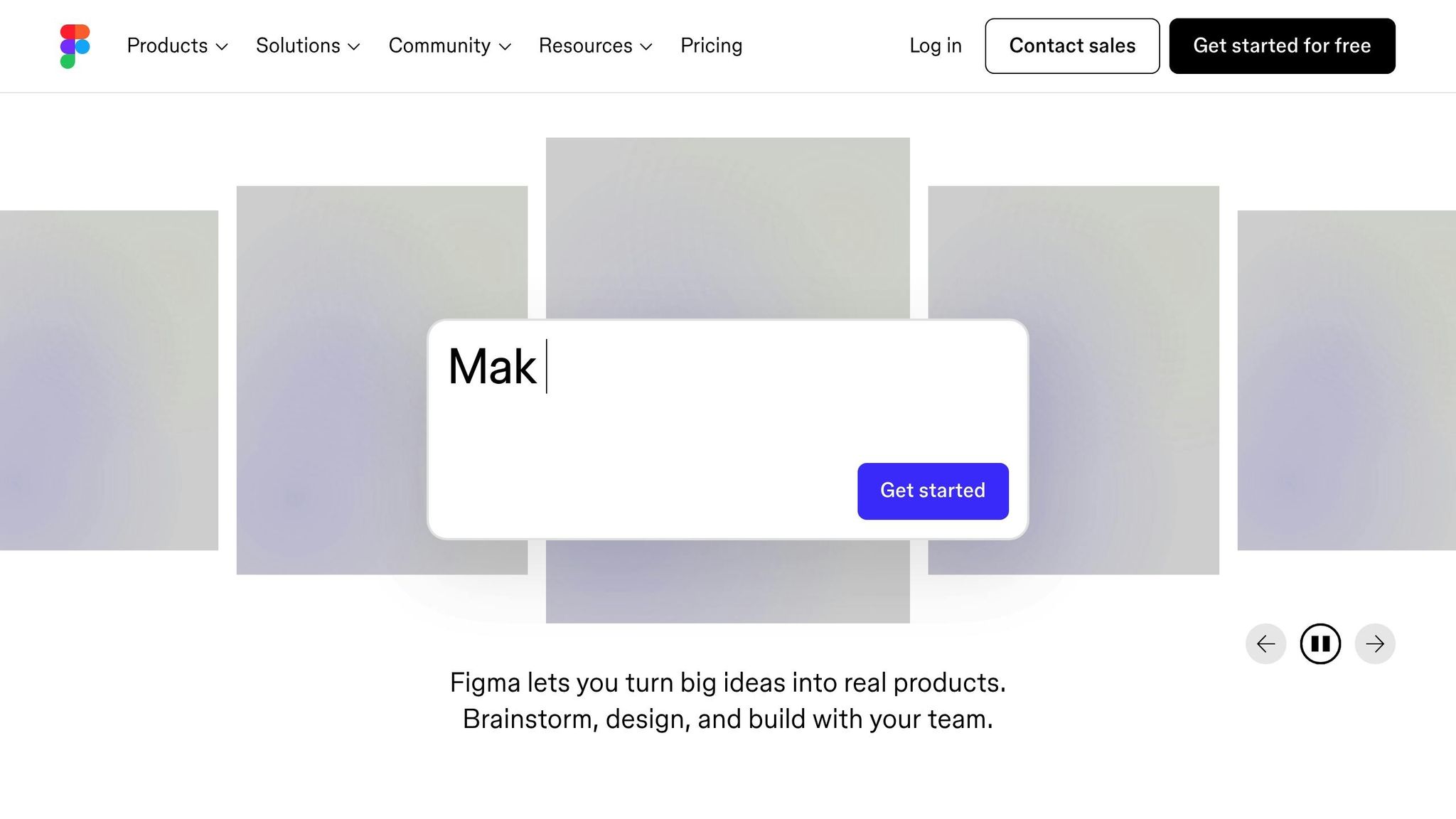
Once the style guide and wireframes are finalized, they can be exported directly to Figma, a widely used collaborative design platform. This simplifies the integration of design and development teams, allowing them to work on a solid and consistent foundation.
Why Export to Figma?
- Full visualization: Wireframes and styles are pre-integrated, ready for new iterations.
- Development compatibility: Exported elements include code options (HTML or React) to facilitate integration by developers.
- Smooth collaboration: Teams can comment, modify, and approve designs in real-time.
Step 5: Rapid Publication with No-Code Tools
The final step is to turn the design into a functional website, and this is where no-code tools like Wix Studio shine. These platforms allow for faithful reproduction of the design in just a few clicks without writing any code.
Key Benefits:
- Flexibility: Designs can be adjusted in real-time to meet client needs.
- Responsiveness: Sites are automatically adapted to different devices (desktop, mobile).
- Speed: Once the design is implemented, the site can be published instantly.
Example: Recreating a homepage with a hero section, calls to action, and images can be done in just 15 minutes while maintaining a professional quality.
Key Takeaways
- AI, a major asset: From sitemap generation to style guide creation, artificial intelligence speeds up every step of the process.
- Increased accessibility: Thanks to no-code tools and automation, even non-experts can design professional websites.
- Substantial time savings: What used to take weeks can now be accomplished in hours.
- Robust customization: Every element, from colors to typography, can be fully adjusted to reflect the brand's identity.
- Built-in mobile compatibility: Generated wireframes and designs are ready for multi-device use without additional work.
- Simplified export and collaboration: Integrations with Figma and other tools enable collaborative and efficient workflows.
- Adaptable to diverse needs: Whether you're an SME, an NGO, or a luxury sector company, this method offers customizable solutions for any project type.
Conclusion
Website design in 2026 is moving towards faster, more accessible, and intuitive processes, thanks to the interaction between AI, no-code, and advanced design tools. For businesses based in Geneva and French-speaking Switzerland, this approach represents an invaluable opportunity to increase efficiency while remaining competitive in a demanding market. By adopting these technologies today, you can transform your digital presence to meet the expectations of a modern and demanding audience.
Source: "Learn The Full Website Design Process - Start to End (2025)" - Codex Community, YouTube, Mar 8, 2025 - https://www.youtube.com/watch?v=uqebs-Fv5-w